AI Agent and knowledge ›

IT & HR Service Desk

Employees report IT issues, request HR documents or log repair requests in one chat.

IT & HR Service DeskSample data
Hi NapatsornWhat can we help you with today
Recent requests

Employment certificateDone

Printer repair, 3rd floorAwaiting technician

Go ahead and try it. This screen simulates the system with sample data.

Highlights

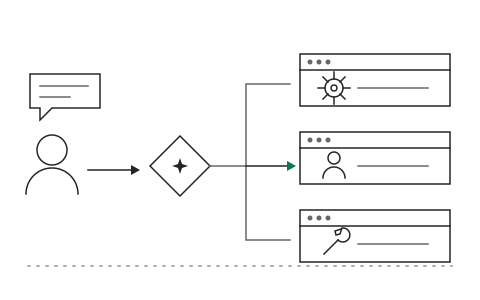
Categorizes and routes each request to the right team automatically

Categorizes and routes each request to the right team automatically

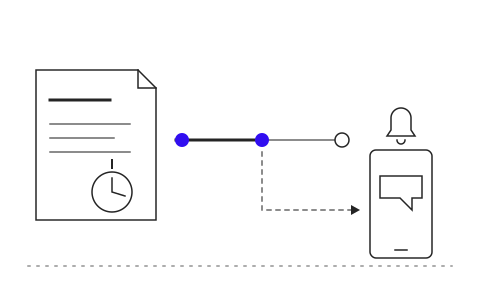
Tracks SLAs and keeps requesters updated

Tracks SLAs and keeps requesters updated

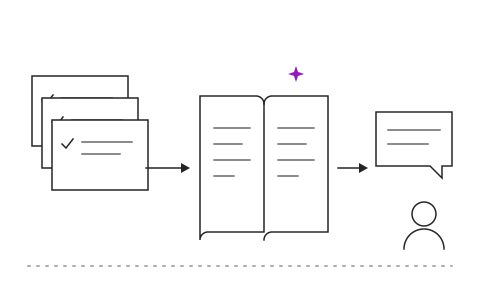
Builds standard answers from closed cases

Builds standard answers from closed cases

What IT & HR Service Desk is and how it helps your organisation

Employees do not know who to contact for what. IT problems end up in a LINE group, certificate requests sit in HR's inbox, and paper repair slips get lost along the way. Support teams spend their time on repetitive requests like password resets, leaving little room for the hard problems, and nobody can say how many requests are still open.

The IT and HR Service Desk lets employees raise any request in one chat through LINE, Teams or an internal web page. AI reads the request, categorizes it and routes it to the right team automatically. Simple requests such as password resets or salary certificates are handled by the AI itself within the requester's permissions, while complex ones become tickets with SLAs, and the system keeps the requester updated until the case is closed.

After go-live, employees get simple requests resolved immediately without waiting in a queue, IT and HR teams handle only the cases that need a person, and managers see request volume, response times and cases close to breaching SLA in real time. Khaojai IT designs the Service Desk around your support team structure and connects it to Active Directory, your HR system and the maintenance systems you already use.

Questions buyers ask before starting

How long does implementation take

It depends on the number of request types and systems to connect. Typically 2 to 4 months, starting with the highest-volume categories such as passwords and certificates.

How far can the AI act on its own

The AI acts alone only on requests your organization defines as standard and the requester is entitled to, such as resetting their own password. Anything affecting other people's rights or data is always sent to a staff member for approval.

Can it integrate with our existing HR system and Active Directory

Yes. It connects to Active Directory or Azure AD for identity and password resets, and pulls employee data from your existing HR system to issue documents, with no data migration required.

Is employee data secure

Salary and personal data are accessible only to the employee concerned and authorized staff. Every document issued is logged, and the system supports PDPA compliant data handling.

AI in this system

AI resolves simple requests itself, such as password resets and employment certificates.

  1. 01Resets passwords itselfVerifies identity and resets passwords in chat without waiting for staff.
  2. 02Issues certificates instantlyGenerates employment certificates from HR data and sends the file.
  3. 03Asks for missing detailsAsks for device model, location or a photo before opening a case.
  4. 04Suggests first fixesOffers steps that have resolved the same symptoms before.

Works with the systems you already use

LINEMicrosoft 365Google WorkspaceSAPExcelExisting systems through APIs

Questions about IT & HR Service Desk?
Tell us about it

Describe the problem your organisation faces. Our team and AI will recommend the right software and help you think it through.