Accounting, procurement and ERP ›

Accounts Payable Automation

Supplier invoices are read, matched to purchase orders and set up for payment automatically.

Accounts Payable AutomationSample data
Purchase orderPO-6712Thai Steel Supply Co
  • Steel pipe 2 in40 pcs48,000
  • Gate valve12 pcs14,400
  • Rubber gasket100 pcs3,500
Total65,900
Goods receiptGR-3381Bang Na warehouse
  • Gate valve12 pcsReceived
  • Steel pipe 2 in40 pcsReceived
  • Rubber gasket100 pcsReceived
3 of 3 received
InvoiceIV-88214Thai Steel Supply Co
  • Steel pipe 2 in40 pcs48,000
  • Rubber gasket100 pcs3,500
  • Gate valve12 pcs14,400
  • Freight charge1 trip1,800
Total67,700
Three documents for one order. Let AI match them line by line

Go ahead and try it. This screen simulates the system with sample data.

Highlights

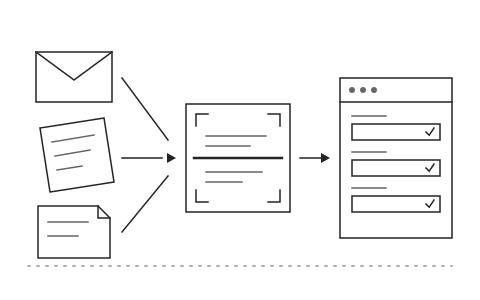
Reads invoices and tax invoices in any format

Reads invoices and tax invoices in any format

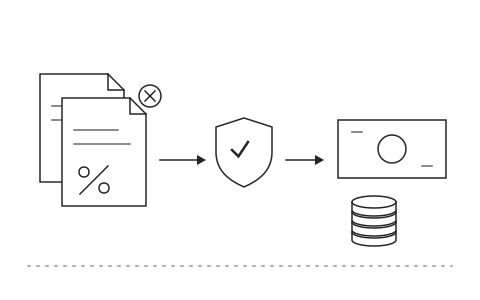
Checks withholding tax and duplicate amounts before payment

Checks withholding tax and duplicate amounts before payment

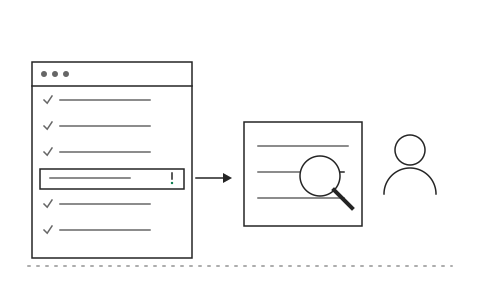
Accounting reviews only the items that do not match

Accounting reviews only the items that do not match

What Accounts Payable Automation is and how it helps your organisation

Supplier invoices arrive by email, as PDF files and on paper. Accounting keys each one in, opens the purchase order to compare, checks withholding tax and only then sets up the payment. By month end documents pile up, duplicates or mismatched amounts slip through unnoticed, and suppliers call to ask why they have not been paid.

The Khaojai IT accounts payable system uses OCR and AI to read invoices and tax invoices in any format, then matches purchase order, goods receipt and invoice automatically. It checks withholding tax, duplicate amounts and duplicate document numbers before anything is set up for payment. Items that match on all three documents flow into the payment queue, while mismatches are set aside with a reason so accounting looks only at those.

After go-live, accounting spends its time on the exceptions rather than keying every invoice. Duplicate and incorrect payments drop because they are caught before approval, and suppliers are paid on schedule. Khaojai IT adapts the approval steps to your organisation's rules and posts the data into SAP, Express or your existing ERP without rekeying.

Questions buyers ask before starting

How accurately does the OCR read Thai invoices and tax invoices

The AI reads printed documents, PDF files and photos, including the differing layouts of each supplier. Items the system is not confident about are sent to a person for review rather than into the payment queue.

Can it connect to SAP, Express or our current accounting system

Yes. It pulls purchase orders and goods receipts from your existing system and posts verified payables back through APIs or import files, so accounting does not rekey anything.

How long does implementation take

It depends on the number of document layouts and systems to connect. Typically 2 to 3 months. Many organisations start with the supplier group that sends the most documents and expand from there.

Does a person still approve before payment

Yes. The system prepares the entries and check results, but payment approval stays with the authorised people in your approval chain, and every approval is logged for audit.

AI in this system

AI matches purchase orders, goods receipts and invoices and alerts you to mismatched amounts.

  1. 01Supplier document readingExtracts numbers, dates, amounts and tax from PDFs or photos.
  2. 02Three way matchingCompares purchase orders, goods receipts and invoices line by line.
  3. 03Mismatch alertsFlags prices or quantities that differ from the purchase order and shows where.
  4. 04Payment date suggestionsSchedules payment runs around supplier credit terms and early payment discounts.

Works with the systems you already use

LINEMicrosoft 365Google WorkspaceSAPExcelExisting systems through APIs

Questions about Accounts Payable Automation?
Tell us about it

Describe the problem your organisation faces. Our team and AI will recommend the right software and help you think it through.